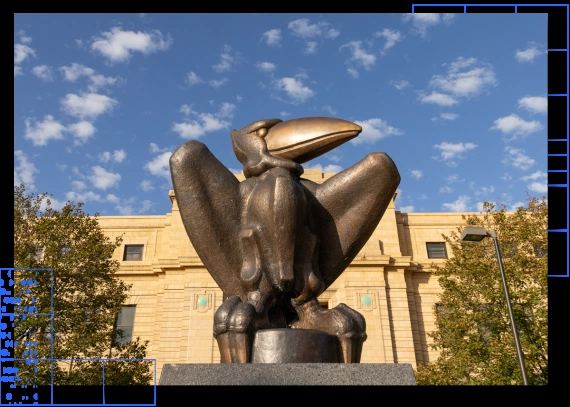
Branding · University of Kansas · Jan 2023 to Apr 2024
KU Brand
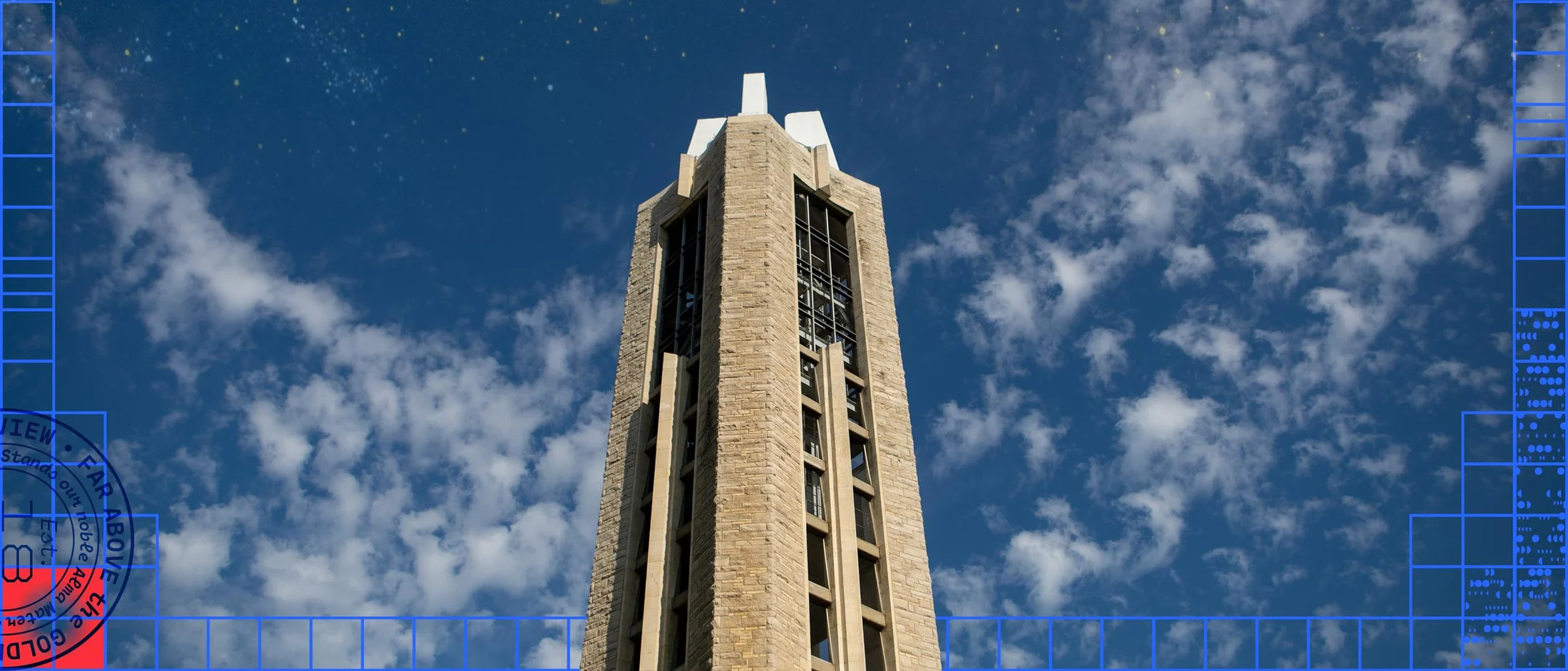
The story in short
KU refreshed its identity, and its brand site had to catch up. People struggled to find guidelines and assets on the old site. I talked with Kansans about what KU meant to them, then helped turn the new identity into a design system and a brand site for campus partners. It is live at brand.ku.edu, and traffic across ku.edu and its subdomains grew 30% after launch, to about 100k visitors a month.
Overview
I worked on research, design and the redesigned pages, so KU Communicators and campus partners can find what they need.
- 01
Interviews
Conversations with Kansans about what KU means to them.
- 02
Focus groups
Small groups tested early brand elements and layouts.
- 03
Information architecture
I mapped and grouped the content so people could find the guidelines easily.
- 04
Build
Logos, type, color and spacing built into every page.
My role
I worked as a product designer and frontend developer on a team of 20+ designers, marketers and project managers.
01Empathize
User interviews
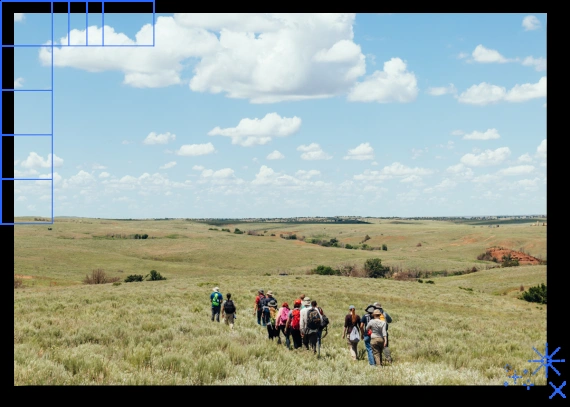
I met with Kansans, alumni, students, faculty and staff. I asked open questions about identity, traditions and how they feel about KU, then looked for patterns.
What worked
Small talks
Short conversations worked better than surveys
Small conversations gave clearer insights than long surveys.
Early talks
We aligned early
Early design talks kept the brand direction in line with the site.
02Define
The problem
Goal
Build a brand site that reflects the new identity and makes guidelines and assets easy to find.
Issue 1
An outdated site
The old brand site did not match the new identity.
Issue 2
Hard to find things
KU Communicators had trouble finding clear guidelines and updated assets.
The solution
We reorganized the content and redesigned the pages. I mapped the content, proposed layouts, and worked with a developer to build the logos, type and color tokens into every page.
03Ideate
Information architecture
I mapped the content people needed most and grouped the guidelines to make sense. I proposed layouts and turned brand rules into usable components.
Step 1
Map the content
I listed what people look for most.
Step 2
Group the guidelines
I put related rules together.
Step 3
Propose layouts
I turned the rules into page layouts and components.
Focus groups
I tested early brand elements and layouts with small focus groups, and watched people use the old site. I used what I saw to refine hierarchy, language and direction.
04Design
New identity
The refreshed brand became a digital system. It defined how logos, colors, typography and spacing showed up across the site. This graphic shows the core elements in the brand colors.
Visual system updates
We adjusted the type scale, tightened spacing and cleaned up the color tokens, mostly from testing and small fixes.
Making the brand easy to use
I reorganized the site so people could find what they needed. I grouped the content naturally and cleaned up confusing or outdated sections.
The new platform
“Towering Toward the Blue” comes from a line in KU’s Alma Mater. It became the brand platform for how KU looks, sounds and feels. The logo, Jayhawk and crimson and blue stayed. We checked each design choice against it.
Look
Bold and clear
Strong type, a visible grid and wide space.
Sound
Confident and warm
Active voice. Skyward words like climb, soar and build.
Feel
Proud of Kansas
Real campus photos and the colors people already knew.
Low-fi to high-fi
I started with boxes and added detail one layer at a time. Each step answered one question before the next began. I kept the early steps grey on purpose, so we discussed structure before color.
-
1
Boxes only
I drew boxes and labels, with no color and no real text. This showed the order and size of each block: the hero, positioning, goal and four guideline cards.
Step 1. Structure only. -
2
Grey wireframe
I added the real navigation, headings and copy. The slogan was the main text in the hero. Now we could check the hierarchy and the reading order.
Step 2. Real content, still grey. -
3
Brand frame
I added the holding box and pinpoints from the graphic elements. They showed how the brand frame sits on the page.
Step 3. The red box and blue dots mark the holding box and pinpoints. -
4
High fidelity
I added photos from the Brand Center, Kansas Blue and Crimson. Some layouts looked clean at this stage but felt hard to use, so I kept checking them against the grey versions.
Step 4. Photos and color.
Behind the scenes
The same steps on two more pages
I used the same steps for the guideline page and the downloads page.
Design system decisions
- Decision 1
Keep the two core colors
Kansas Blue (#0051ba) and Crimson (#e8000d) stayed, the colors people already knew.
- Decision 2
Name every color
Each color got a plain name, like Night, Lake and Sky, so everyone used the same words.
- Decision 3
Never rely on color alone
Every pairing passed a contrast check first. We listed the pairings to use and the ones to avoid.
- Decision 4
Pick type by job
Roc Grotesk and Moret for headlines. Gotham Narrow or Freight Text for body. KU’s rule set web body text at 12 to 16 px.
- Decision 5
Use the grid and frames
Square grid units for layouts, a thin Fire line for holding boxes, Lake dots for pinpoints.
- Decision 6
Write in the brand voice
Active voice, present or future tense, and “toward” instead of “towards”. We kept tower images rare.
Interactive
Try the KU color system yourself
Pick any two of the 17 brand colors, or one of the 8 pairs from the system, and see whether it passes the same contrast check we used.
Brand Center
Towering Toward the Blue
Logos, colors, type and graphics for everyone who tells KU’s story.
Download logos
Text
Background
7.06 : 1
- Body text 4.5
- Large text and icons 3
- Enhanced (AAA) 7
Behind the scenes
Code, type and graphics
Code
--ku-blue: #0051ba;     /* Kansas Blue, primary */
  --ku-crimson: #e8000d;  /* Crimson, primary */
  --ku-night: #003459;    /* text on light blue */
  --ku-lake: #2767ff;     /* links, pinpoints */
  --ku-sky: #73cbf2;
  --ku-steam: #dde5ed;    /* page tint */
  --ku-fire: #ff3042;     /* holding box line */
  --ku-brick: #971b2f;
  --ku-text: #333333;
  --space-unit: 8px;      /* square grid unit */
  --text-body: 16px;      /* web body: 12 to 16 */
Type
| Role | Typeface | Used for |
|---|---|---|
| Display | Roc Grotesk, wide width | Headlines |
| Headline accent | Moret | Subheads |
| Body | Gotham Narrow, or Freight Text online | 12 to 16 px |
| Fallback | Arial and Palatino | Email and slides |
Graphics
Graphic elements we used as components.
Grid
Visible grid
Square units that frame a layout.
Frame
Holding box
A 1 pt Fire line with Lake pinpoints.
Accent
Crimson square
A crimson square with a radial fade.
Data
Discovery burst
A radial burst that stands for research.
Stars
Stars and spark stars
Small star shapes for ideas and sparks.
Place
Sunflower
Kansas’s state flower, for optimism.
05Prototype
Bringing it together
I worked with other designers and a developer to build the logos, typography, color tokens, spacing rules and accessibility updates into every page.
- Type
Typography
I used one type scale for every page.
- Color
Color tokens
We cleaned up and named the tokens.
- Space
Spacing rules
We made the spacing tighter and more even.
06Test
Testing
Focus groups and A/B tests of early concepts showed what was not working yet. They raised concerns about tone, the order of importance, and how people would really use some concepts.
Real use
Clean in Figma, hard to use
Real people found some of these layouts confusing.
07Outcome
The new brand system
Outcome
The new identity now sits in one system of logos, colors, type and usage rules.
After the new brand site launched, traffic across all ku.edu domains and subdomains grew 30%, to about 100k visitors a month.
You can see the live site at brand.ku.edu.
08Learn
What didn’t work
Surveys
Surveys lacked depth
Many people rushed through them.
Familiarity
People liked the old brand
Many preferred the old fonts, colors and logo: status quo bias and the mere exposure effect.
A final note
The rebrand was a campus-wide effort with hundreds of contributors. My part was the brand site: research, design and the redesigned pages.
Takeaways
- 01
Update visuals early
It made the build smoother and more consistent.
- 02
Test outside the design tool
Layouts that look clean in Figma can feel hard to use for real people.