Volunteer UX Research & Design · Berkeley, CA · 2021 to 2022
Asian’s
Outcome
~50People surveyed
10+Guests tested the prototype
I built an interactive prototype in Adobe XD. The restaurant closed in the pandemic before the app was built.
Role
UX Researcher & Designer, project lead
Timeline
Fall 2021 to Spring 2022
Team
Me, a UX researcher, and a visual designer
Tools
Adobe XDInVisionGoogle FormsAdobe Illustrator
The story in short
A small family restaurant had no online ordering, and language barriers led to wrong orders. We listened to guests and staff, sketched five early concepts and built a prototype. We tested it with at least ten guests. Then the pandemic closed the restaurant before we built the app.
Overview
Asian’s is a Berkeley restaurant with no online ordering. Language barriers caused wrong orders. As a volunteer project, I led a small team to design a mobile ordering app.
01
User research
A survey, interviews with guests and staff, and a persona.
02
Wireframes
Five early sketch concepts, each based on what we learned.
03
Design system
Type, color, spacing, and components built from scratch.
04
Prototype and testing
An Adobe XD prototype, usability tests, and card sorting.
The core constraint
Many guests are not comfortable ordering aloud in English. The app had to work without talking.
01Empathize
Survey
I shared a short Google Form on social media and got about 50 answers. Each answer led to a design choice.
90%want their favorite restaurants to have a mobile app. So I designed a simple, clear ordering flow.
77%are fine using only English, but some still want language options. So I added a language selector.
100%want recommendations for popular dishes. So I added a Popular Items section.
70%are interested in loyalty rewards. So I added a loyalty badge and a credit system.
The full results
How do people order food in general?
46%In person only
Almost half only order in person today.
Do you like Asian food?
70%Yes
Seven in ten like Asian food.
Do you like a mobile app from your favorite restaurant?
90%Yes
Most respondents want a restaurant app.
Do you want a loyalty program?
70%Yes
Rewards matter to most respondents.
Do you want a “popular food” feature?
100%Yes
Every respondent wanted recommendations.
About this survey
About 50 people answered a short Google Form. Hover or tap a slice or label to read it.
Persona
Emma is a persona built from the survey and interviews. I designed for her in every decision, and her needs guided navigation, language support and feature priorities.
Emma Lahana
Android user
Age
32
Location
Fremont, CA
“I just want to order food online.”
“It’s hard for me to talk to others in English.”
About Emma
Emma is 32 and lives in Fremont, California. She moved from Italy in 2020. She only eats at a nearby restaurant that serves her favorite food.
She struggles with English and avoids face-to-face talk. She opens the Asian’s app, orders carryout, and picks it up when ready.
Needs
An app that offers all the food items
Helps people who do not speak English
Easier to order, so no waiting
Preferences
Support for different languages
Easy to use, especially for older people
A loyalty program
Goals
Use the app fully
An easier payment option that saves the card for next time
Avoid waiting time
What Emma taught me
Takeaway 1
Favorites
Regular guests want to reorder the same dishes fast.
Takeaway 2
Clear, fair prices
Guests on a budget need to see what they will pay.
Takeaway 3
Easy categories
Food should be simple to browse, without reading long lists.
Takeaway 4
VIP badge and rewards
Regular guests like to feel recognized for coming back.
02Define
The problem
How I worked
We followed Lean UX: state a hypothesis, test it with real people, then improve the design.
Starting hypothesis
If this, then that
If guests who struggle with language can order from their phone, they will choose it over ordering in person.
What staff and guests said
Staff
Mix-ups happened often
Staff said miscommunication with customers happened often.
Guests
Already ordering online elsewhere
Many guests used online ordering elsewhere and said it would make ordering here much easier.
A guest said
“I’d like to order online because the owner doesn’t speak English, and I’ve gotten the wrong order several times.”
03Ideate
Early sketches
Early hypothesis
If this, then that
My hypothesis: if the app showed popular dishes, offered a language option and kept orders short, guests would order without help.
Five early concepts
After feedback, I did not pick one idea. I sketched five very different low-fidelity concepts and showed them to people. Pick a concept to compare.
Early sketch, redrawn from my notes.
What this version shows
This concept showed big food photos in a two-column grid with a bottom tab bar. It browsed fast but hid prices and descriptions.
Early sketch, redrawn from my notes.
What this version shows
This concept was a text-first menu with category tabs and prices. It was clear like a paper menu, but plain.
Early sketch, redrawn from my notes.
What this version shows
This concept put a big popular dishes banner on top and the full list below. It answered the survey request for recommendations.
Early sketch, redrawn from my notes.
What this version shows
This concept asked for a language first, then showed three big buttons. It was for guests who struggle with English.
Early sketch, redrawn from my notes.
What this version shows
This concept asked one question per screen: category, dish, then confirm. It needed almost no reading but took more taps.
Why familiar patterns
I used familiar ordering patterns so guests would not learn a new interface. In testing, guests preferred the simplest, most direct option.
Paper sketches
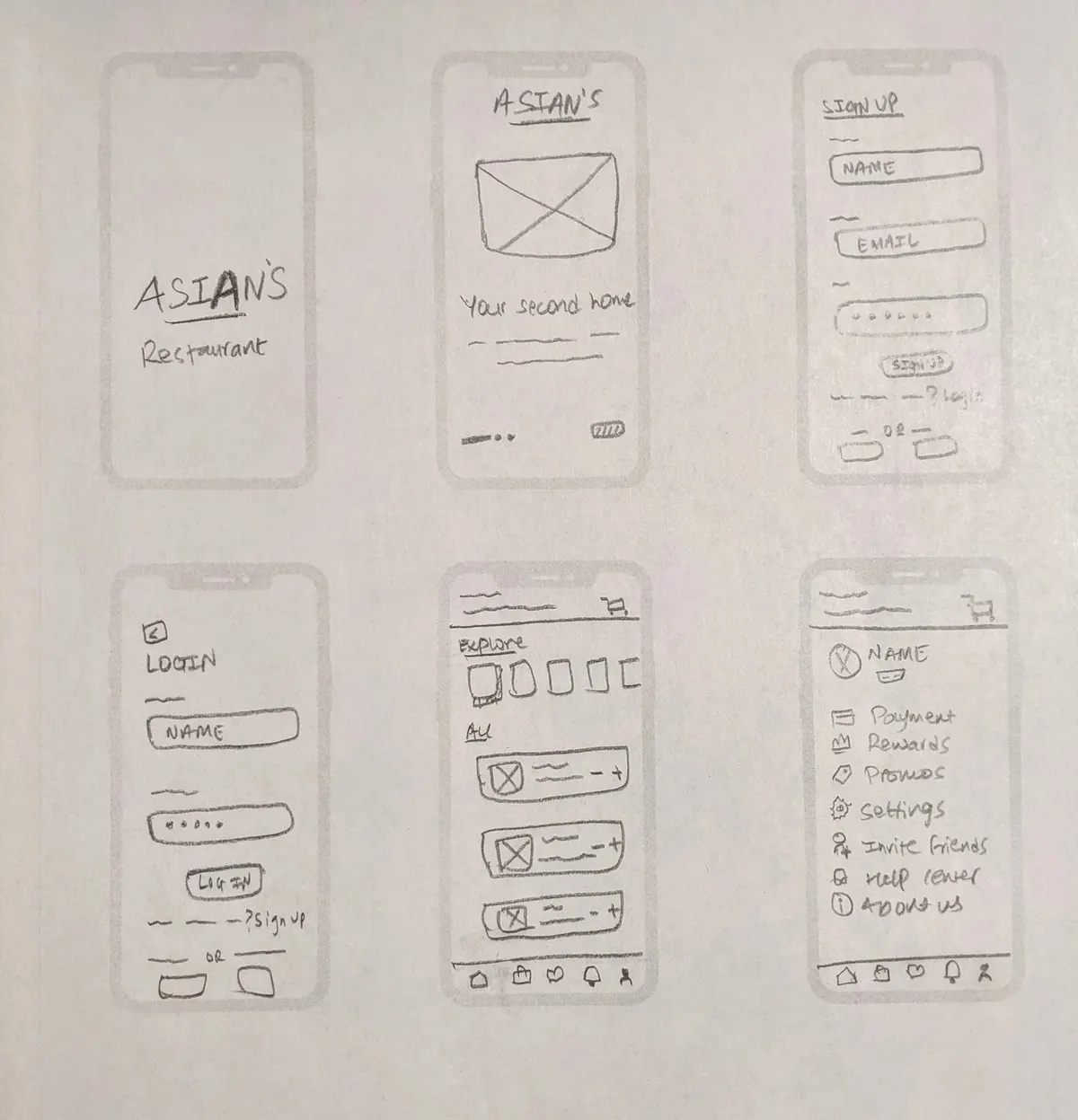
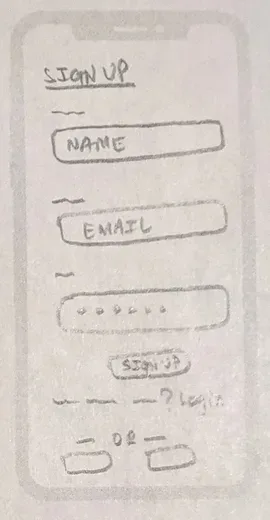
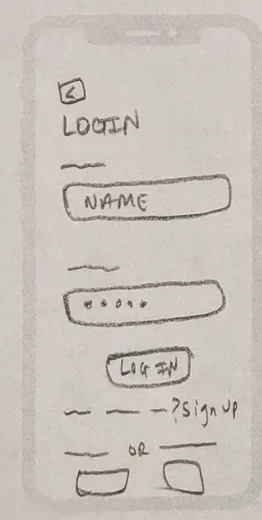
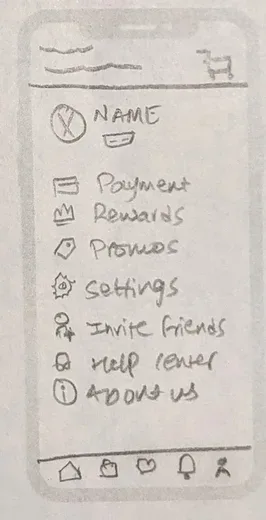
Then I sketched the full flow on paper: splash screen, onboarding, sign up, login, a home screen and a profile.
My paper sketches of the core screens.
Low-fidelity wireframes
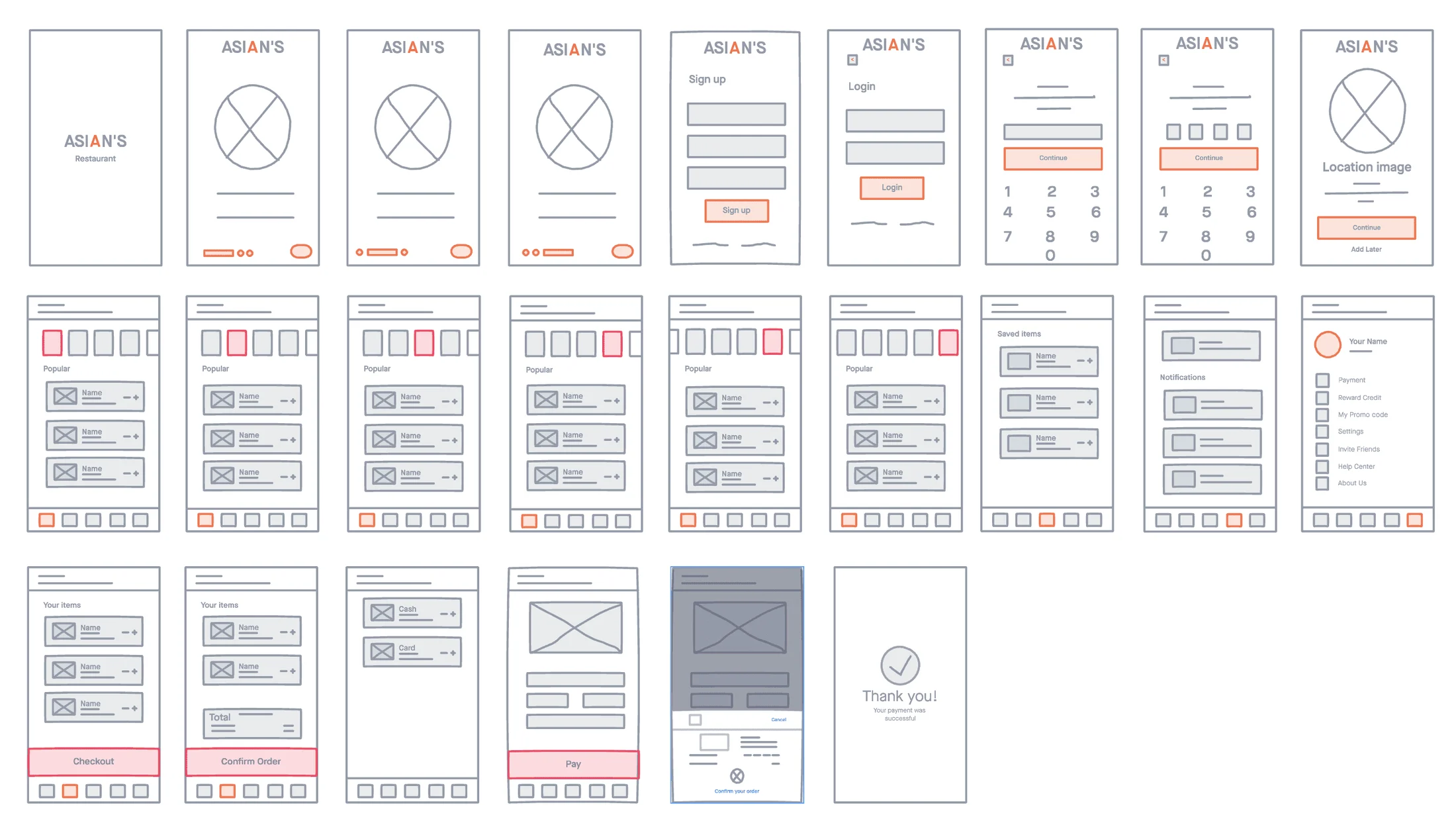
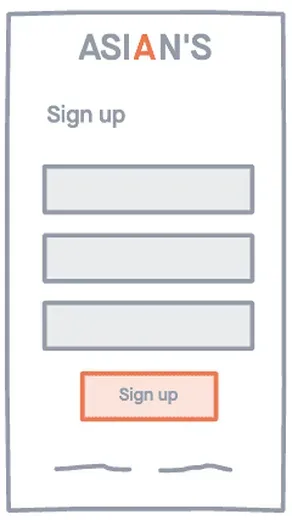
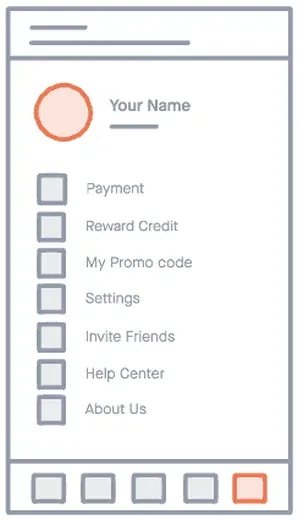
I moved the sketches into InVision to map every core flow, from sign up to checkout, before high fidelity.
Low-fidelity wireframes in InVision. The orange blocks mark the main actions.
Moodboard
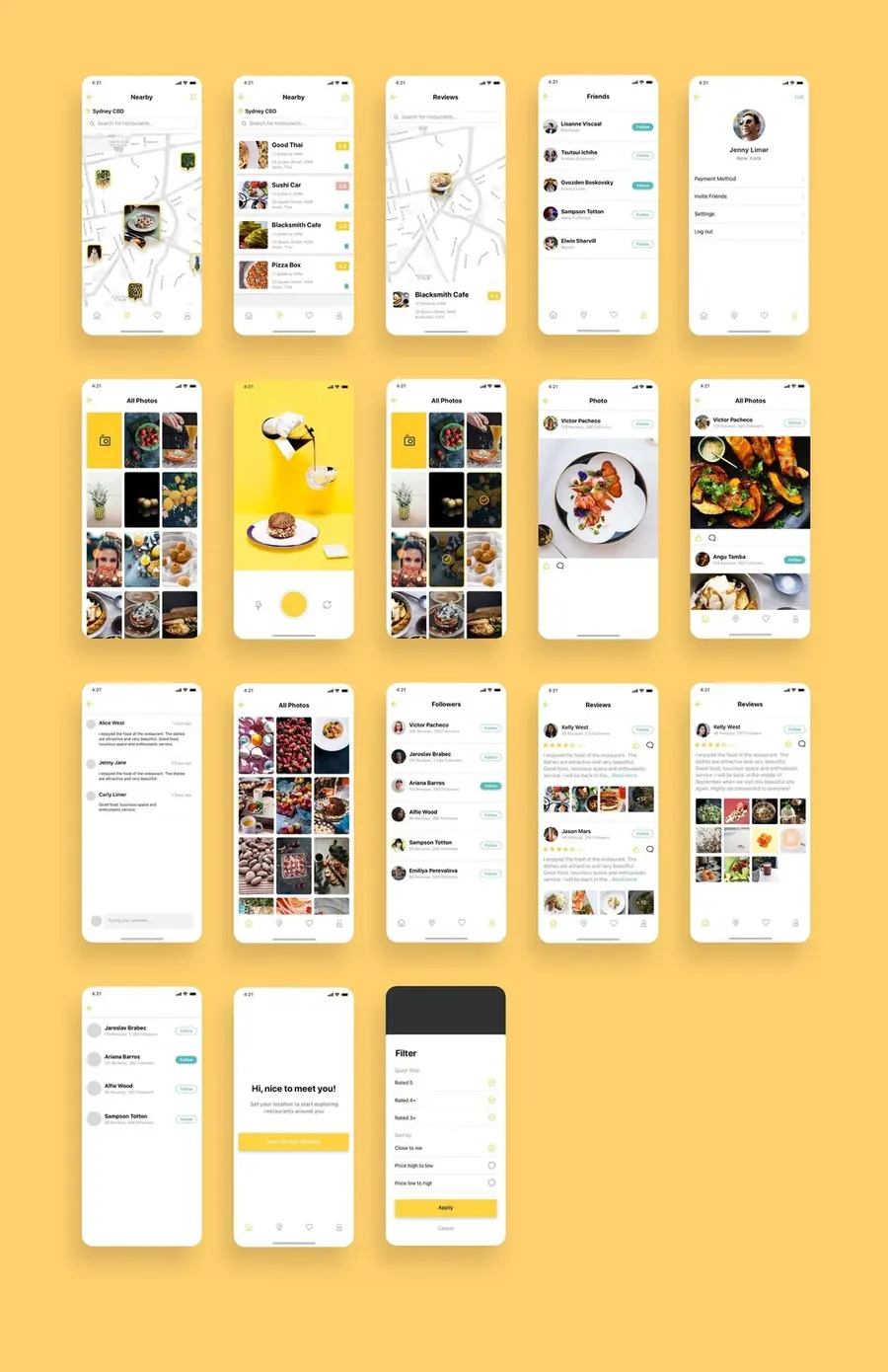
I looked at food ordering apps with clean layouts and large food photos.
Inspiration from food ordering apps.
04Design
Design system
There was no brand kit, so I built a small design system for color, type, icons and buttons. Orange became the action color because it looks bright, warm and appetizing. Try it below.
Orange
Orange. Primary. Brand and main actions.
#FF5200
Popular dishes near you
Logo and splash
Herculanum Regular, 84px
Heading 1
Poppins Semibold, 25px
Heading 2
Poppins Regular, 25px
Body
Poppins Semibold, 17px
HomeHome tab
Pill, primary
Rectangle, light orange
Pay, key action
Quantity−1+
Pager
High fidelity
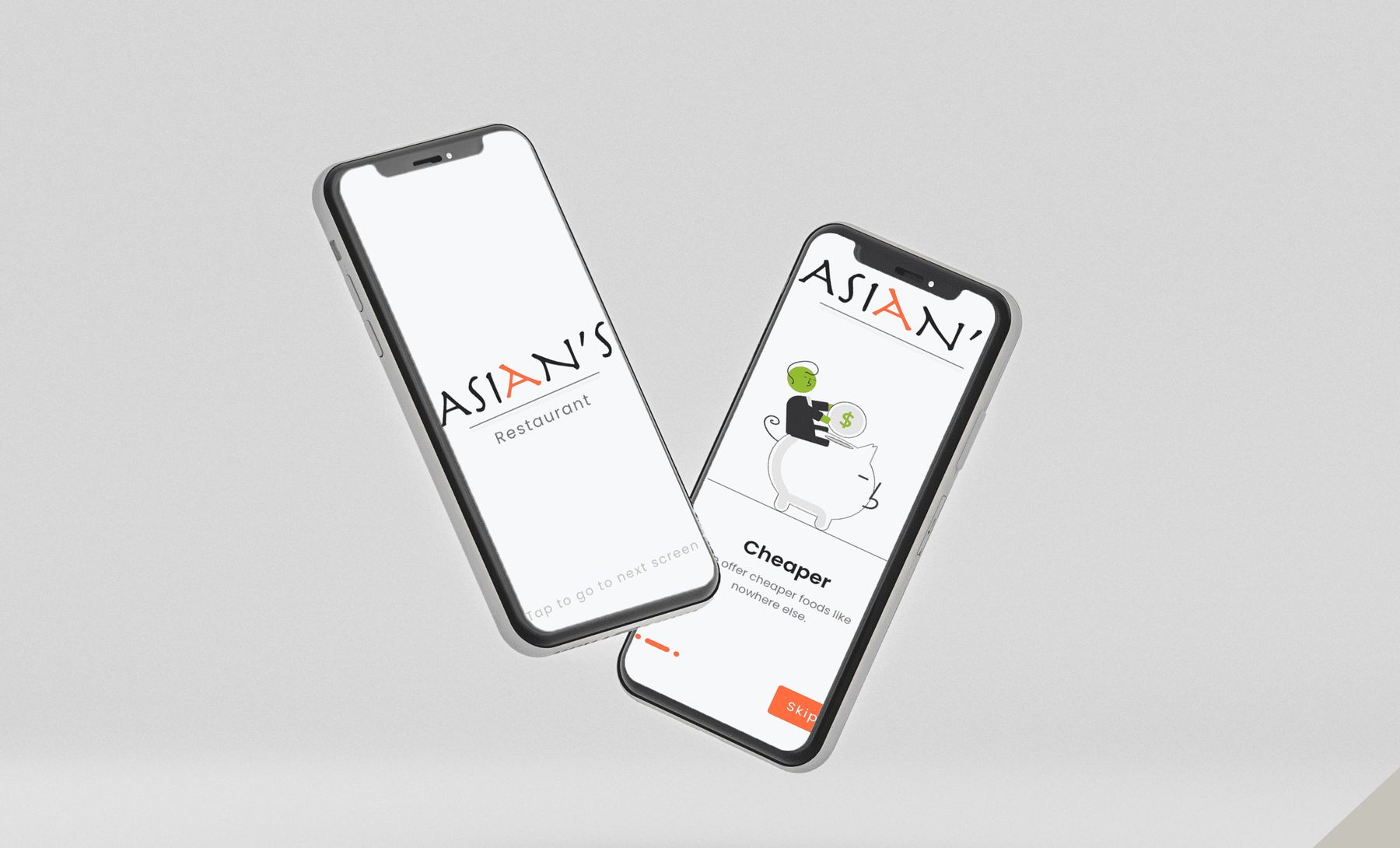
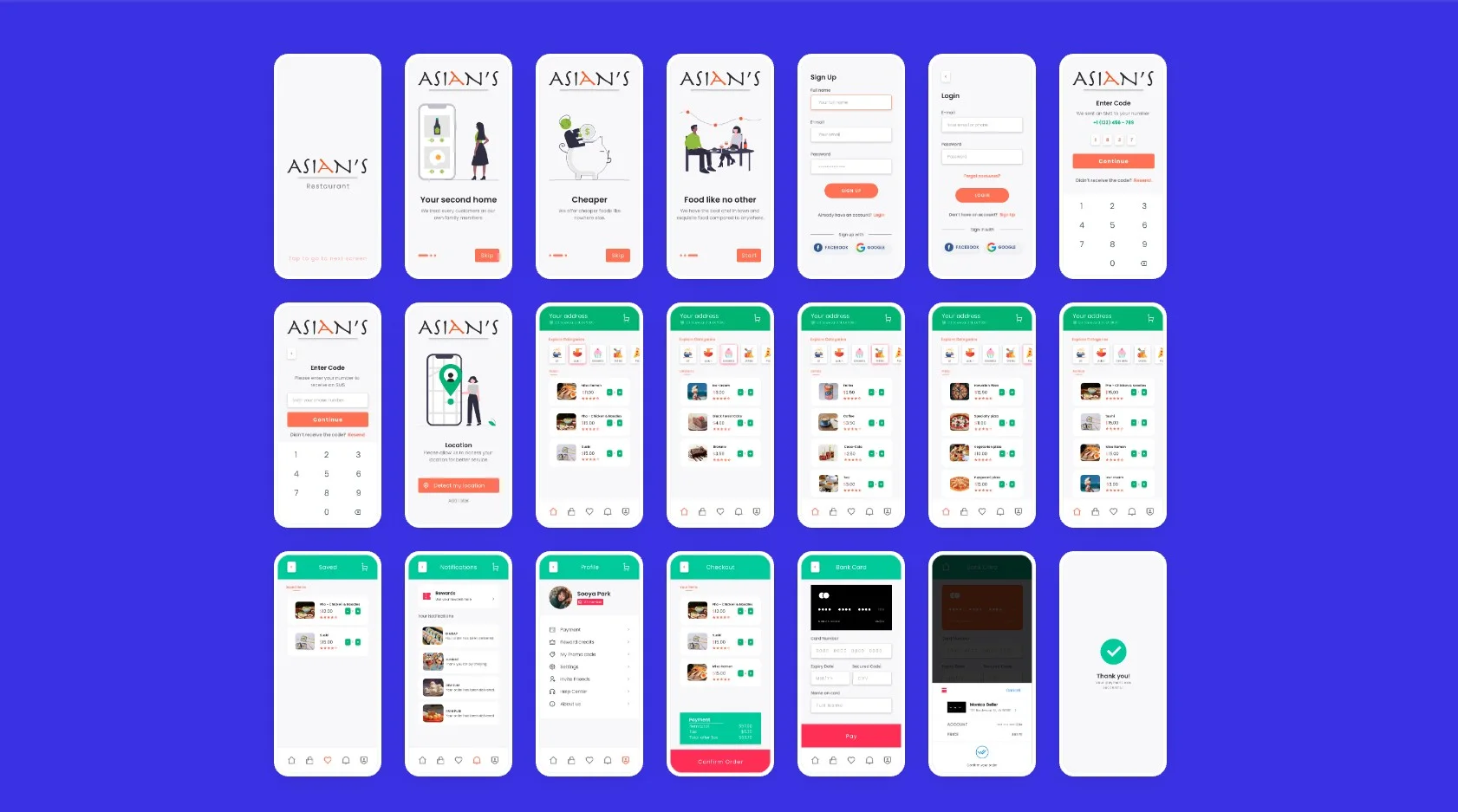
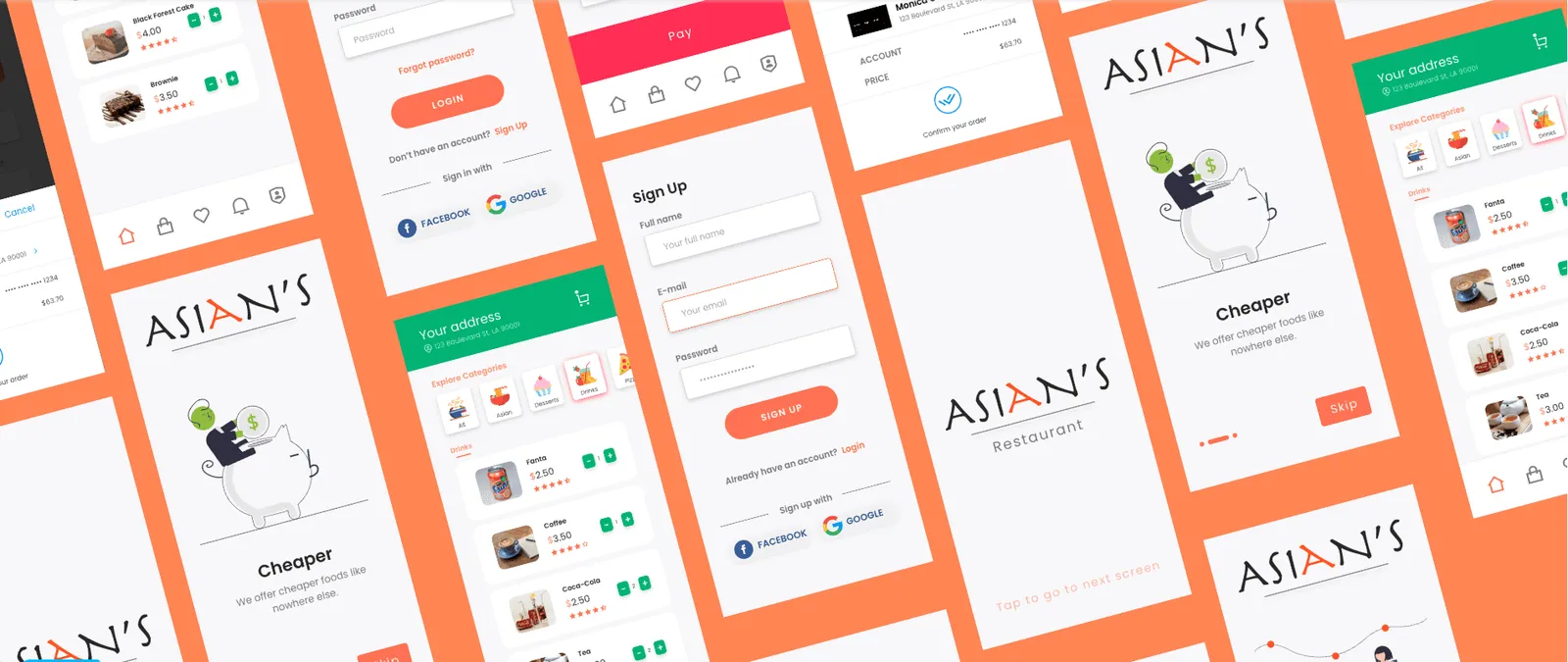
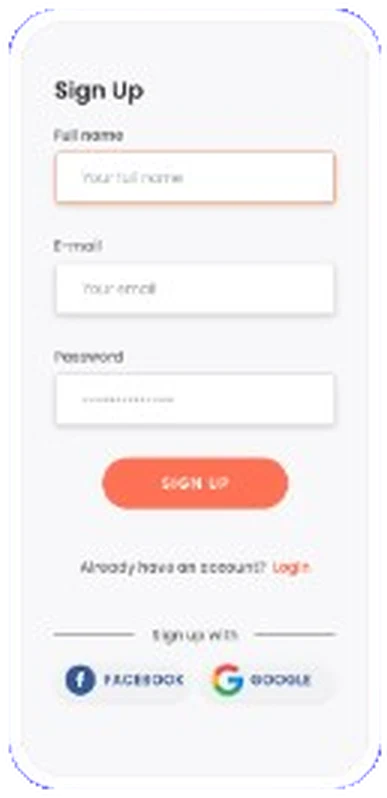
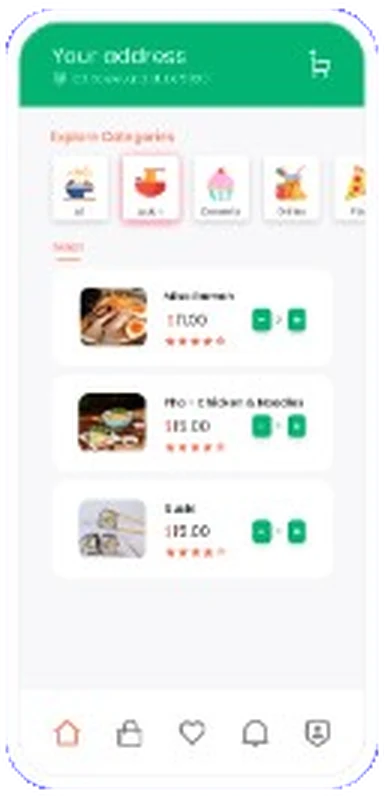
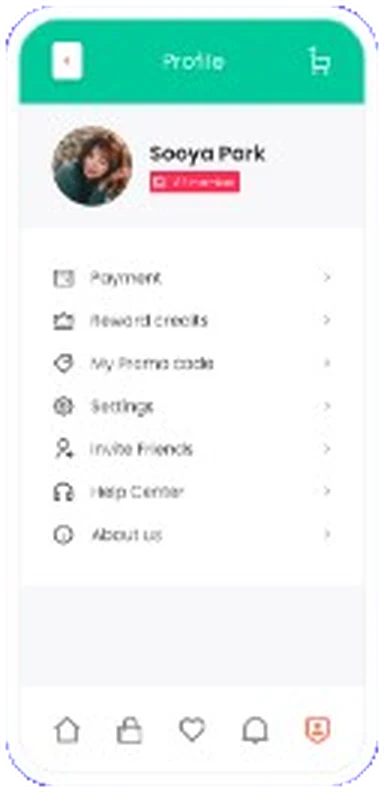
High-fidelity screens used the system. Orange marked main actions, and a green header kept the address and cart in view.
The full flow in high fidelity.
Screens from sign up to the home menu.
Key decisions
05Prototype
Sketch to design
See how each screen changed from paper sketch to wireframe to final design.
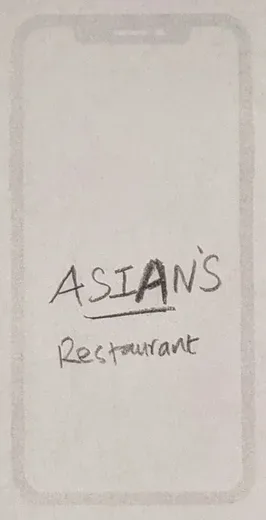
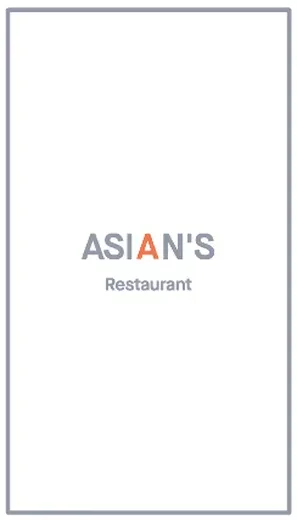
01 Splash
Paper sketchWireframeFinal design
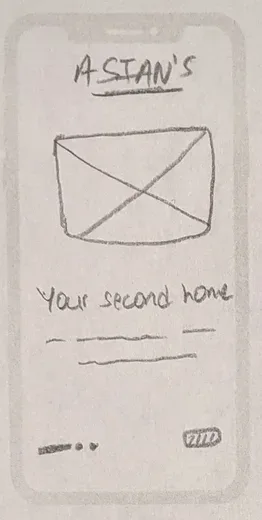
The sketch showed only the logo. The final added an orange letter and a short tap hint.
02 Onboarding
Paper sketchWireframeFinal design
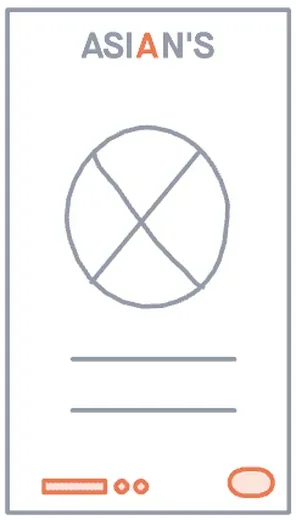
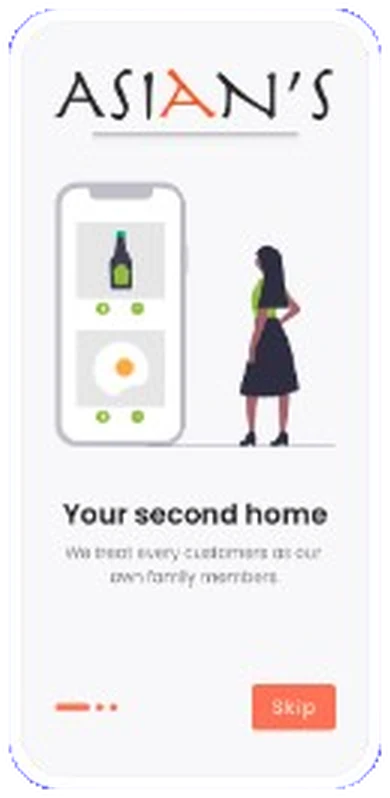
The sketch had an image box and one line. The final added an illustration, a tagline, page dots and a Skip button.
03 Sign up
Paper sketchWireframeFinal design
The sketch had three fields and a button. The final added clear labels, an orange sign up button, and Facebook and Google options.
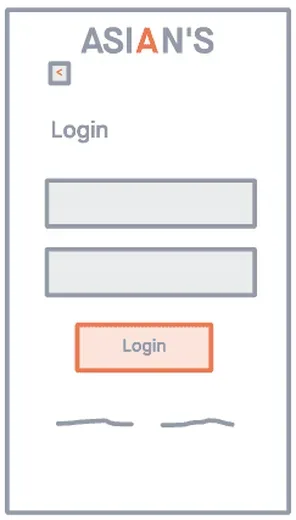
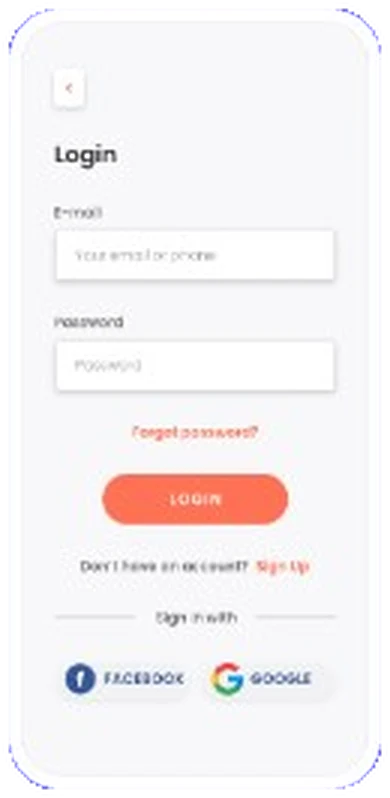
04 Login
Paper sketchWireframeFinal design
The sketch had two fields. The final reused the sign up pattern and added Forgot password and social login.
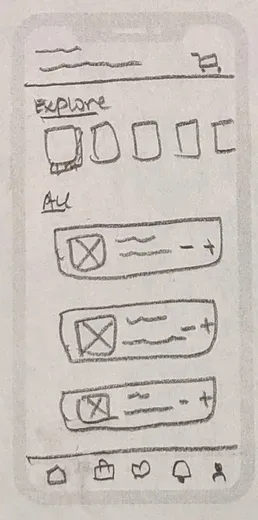
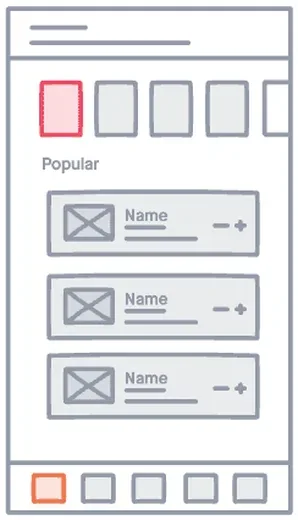
05 Home
Paper sketchWireframeFinal design
The sketch had a popular row and a dish list. The final added a green header with the address, categories, prices, ratings and add buttons.
06 Profile
Paper sketchWireframeFinal design
The sketch had a name and a menu list. The final added a photo, a badge and menu icons.
Prototype
I built the high-fidelity screens into a clickable Adobe XD prototype, so testers could try a real order start to finish.
The groups come from the card sort illustration above.
A/B testing
I also ran A/B tests on the low-fidelity wireframes. For each key screen I drew four versions and asked testers which they could use fastest. Pick a screen to compare.
V1 Categories row and a listV2 Category chips and a gridV3 Search bar and a listV4 A featured dish first
V1 Three fields and a buttonV2 Two fields, social belowV3 Social buttons firstV4 One question at a time
V1 Image, text and SkipV2 Full image and NextV3 Three steps and Get startedV4 Text only and Order now
V1 Items and CheckoutV2 Items, total, ConfirmV3 Choose payment firstV4 Everything on one page
An illustration of the A/B test. Each screen had four low-fidelity versions.
Testers also liked the warm color palette.
07Outcome
50People surveyed (about)
10+Guests tested the prototype
0Orders measured*
* The restaurant closed in the pandemic before the app was built.
Outcome
The restaurant closed in the pandemic before the app was built. The design stayed a prototype.
I am sharing the full process and the prototype as the final result.
08Learn
Still unfinished
Still unfinished
The app never launched, so I could not measure orders or mistakes. I do not know if it would have fixed the problem. Testing gave early signals only.
Takeaways
01
Start with user research
A short survey of about 50 people influenced every major screen.
02
Adapt to change
The restaurant closed before the build, so the project stopped at a prototype. I shared the full process and the prototype instead.
03
Design from what people say
Language, recommendations and rewards came from guests, not my guesses.